I talk about this day every year. It always falls on the 31st of March. I also mention this topic a few other times per year. Why do I keep going back to this as a topic for my newsletter? It is very simple. Many people still don’t have a backup system on their computers, or they don’t know how it really works so they never check to make sure it is working. This means their documents and those important photos that are irreplaceable are in danger of being deleted or corrupt. I really hate getting those phone calls asking for help after a computer crash.
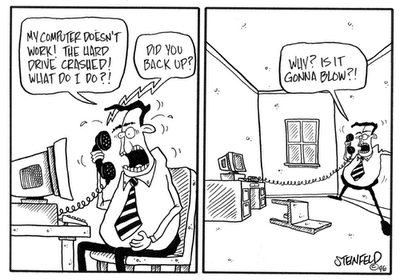
When a computer crashes there is usually a good chance that I can recover the data but there are a few problems that can make this recovery very difficult and sometimes nearly impossible. If your backup hasn’t been working or your encryption is on, but you don’t know the key, or if you are relying on a cloud sync and it has become disconnected you could lose all of your data.
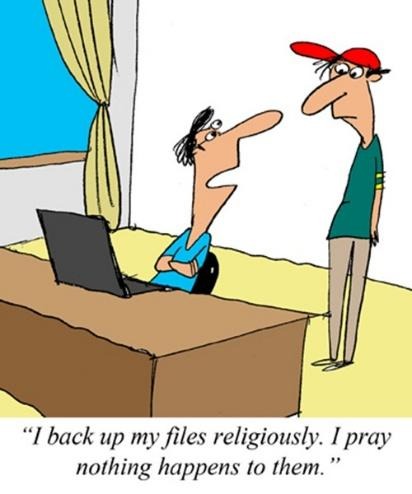
Many people think that a computer backup system is complicated and expensive, so they just take their chances. It doesn’t have to be this way. There are systems that I can set up that will only cost about $100 one time and keep your data backed up for years. There are other systems that I call set it and forget it because it happens automatically every time you are connected to the internet. These systems are a little more expensive but still only about $130 per year. Here are my go-to backup solutions:
- Online Backup with BackBlaze – This is the simplest backup solution. Once it is installed on your computer it will continue to back up your data over the internet. Every time you make a change to a document or add a picture it will be immediately uploaded to your backup account. It will keep all older copies of documents for 30 days so even if you delete or overwrite a document you still have time to discover it and retrieve the file. This backup will also send you an email if they have not seen your computer in seven days. If that happens you just need to reconnect it. The annual cost for all of this is $130, no matter how much data you are protecting on your computer. If you are interested in this type of backup here is a link to it.: https://www.backblaze.com/cloud-backup.html#af8497
- External Hard Drive with Cobian Backup – If you purchase a 2 TB external drive, which costs around $100 you can use Cobian which is a free software to automatically make backups as often as needed on your computer. This software can be set up to backup all of your data every Friday at 4pm, for example. It also allows you to keep numerous copies of this full backup, allowing you to go back to previous versions if needed. I can help you set up a custom backup of this type.
- Syncing Your Data to a Cloud – This is the easiest way to keep a copy of your data. It can be helpful if your computer fails, but your data is still at risk. Here is a video that explains the difference between a backup and a cloud sync.
So, if you value the data that is stored on your computer, getting a backup is a good idea. If you have more questions about backups or if you need help setting up either kind, just reach out and I can help. I also have maintenance plans that will, among other things, verify your backup is still working on a regular basis.
Want to get my computer services updates and reminders directly into your email inbox? Sign up for my FREE Newsletter!